Your singing stream,
step by step
Just follow the steps and you can start your singing stream right away, with a beautiful overlay.
From songbook to stage
Create your songbook, and Live Studio walks you through the rest in order.
Log in to connect your channel
Log in with Chzzk, SOOP, or CIME and your channel connects automatically. You can also log in with email.
Create your songbook and add songs
Every show starts with a songbook. Viewers browse it to request the songs they want to hear. It is fine to start empty. Requested songs get added automatically while you stream.
Set up in Live Studio, step by step
Move to Live Studio and it walks you through each of these in order. Just follow along and your show begins.
Create a showStart a new show or reuse your last one as is.Overlay setupPick a style, copy the URL, and add it to OBS.Take requestsTurn on requests and chat or donation picks stack up in real time.!req Artist-Title
Design the cover, your way
Your songbook is the repertoire you bring on stage. Pick the font, background, colors, effects, and even the way the text comes to life to make a cover like no one else’s.
신청곡 5,000 치즈 · 떼창곡은 무료예요
Fill your songbook however you like
Add songs one by one, or bulk-import hundreds at once from a spreadsheet.
Type just the title and the artist autocompletes; lyrics stay on your own computer.
Take requests or pick songs yourself
Viewer requests stack up in real time, and you can also add songs yourself from your songbook, manual input, setlists, voice, random pick, or a next-song vote. Accept, hold, and decline all from one set of tabs.
밤편지
IU
좋은 날
IU
Attention
NewJeans
밤편지
IU · 별빛팬
Overlays for your stream screen
Show the current song and the mood on your stream screen.
Switch a layer off and on. You can see how the two overlays stack into one stage.

밤편지
아이유The background overlay is alive
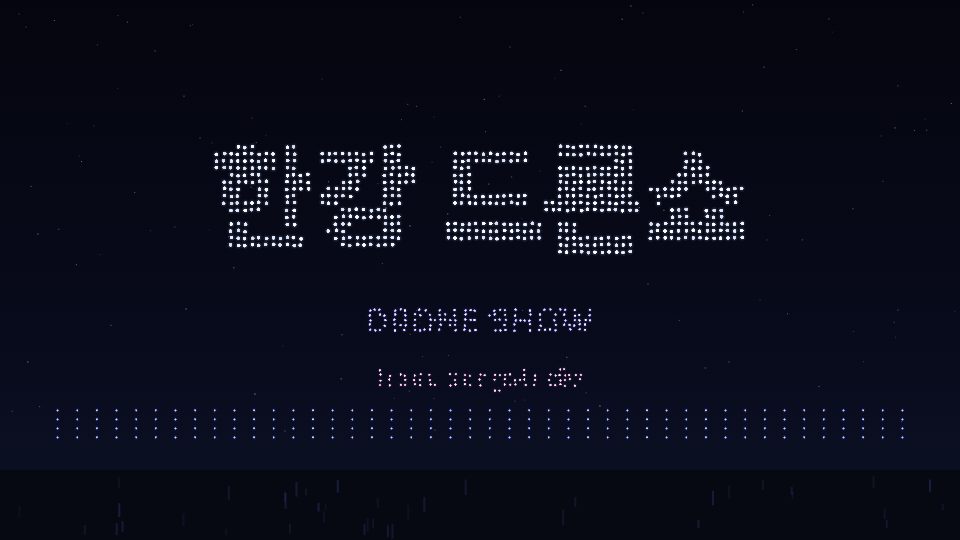
Light sticks, petals, meteor showers, rainy windows, and fireworks. Background overlay effects are not still images. They react in real time to the emojis and donations your viewers send.




Lightsticks wave in response to viewers' emoji chats.
Finished packs, ready to use
Background overlays come as theme packs with the mood already dialed in. Just pick one you like.


One link that introduces you
A discography for your originals, covers and stage videos, and this week’s broadcast schedule, on one page. Link a YouTube channel and new uploads follow on their own, while show history and most sung songs build themselves.
Still have questions?
Just reach out and we will help you 1:1 right away.